
Isolated profiles
Create a separate space for each account with controlled browser, device, and fingerprint settings.
01PurpleMark brings browser profiles, fingerprint settings, proxies, and team permissions into one workspace for stable, efficient operations.
Isolated profiles · Team collaboration · Account management
A focused toolkit for keeping browser environments, networks, and collaboration organized.
Create a separate space for each account with controlled browser, device, and fingerprint settings.
01Add, parse, test, and assign proxies while keeping every connection tied to the right profile.
02Organize members, groups, and access boundaries so people only see the resources they need.
03Manage browser extensions in one workspace and assign them to profiles without repetitive setup.
04Organize large profile sets by project, platform, or business line and act on them quickly.
05Track important profile, proxy, and team actions for accountable collaboration.
06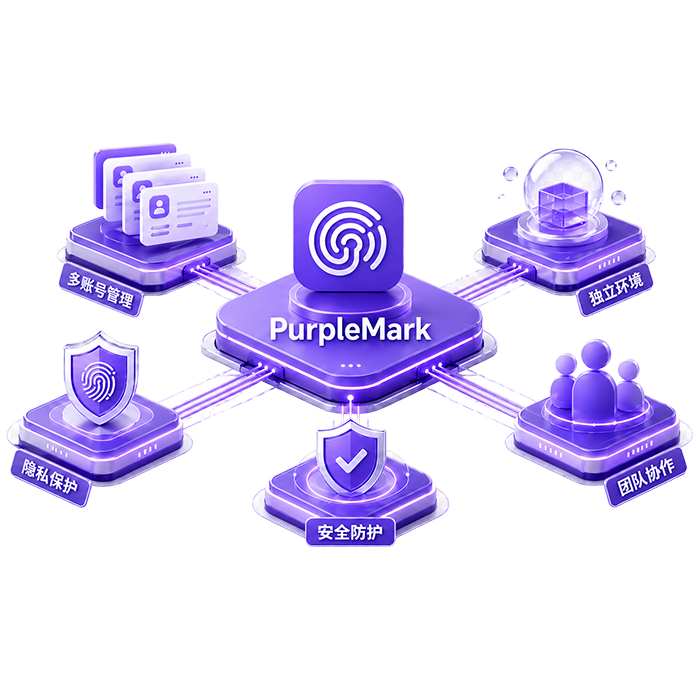
Clone, share, and transfer profiles. Assign proxies and extensions as needed. Give every teammate a clear access boundary.
Set the browser, device fingerprint, and essentials for an isolated account space.
Assign proxies, extensions, and groups so every profile fits its operating context.
Set permissions, share or transfer profiles, and track collaboration through activity logs.
From profile isolation and access boundaries to traceable actions, PurpleMark protects accounts and team assets in layers.
Independent configuration for each browser profile helps reduce unwanted account linkage.
Member and group permissions limit exposure to only the resources each role needs.
Deleted profiles and proxies enter a recycle bin first, preserving a recovery window.
Start with one isolated profile and grow into a scalable team workflow.